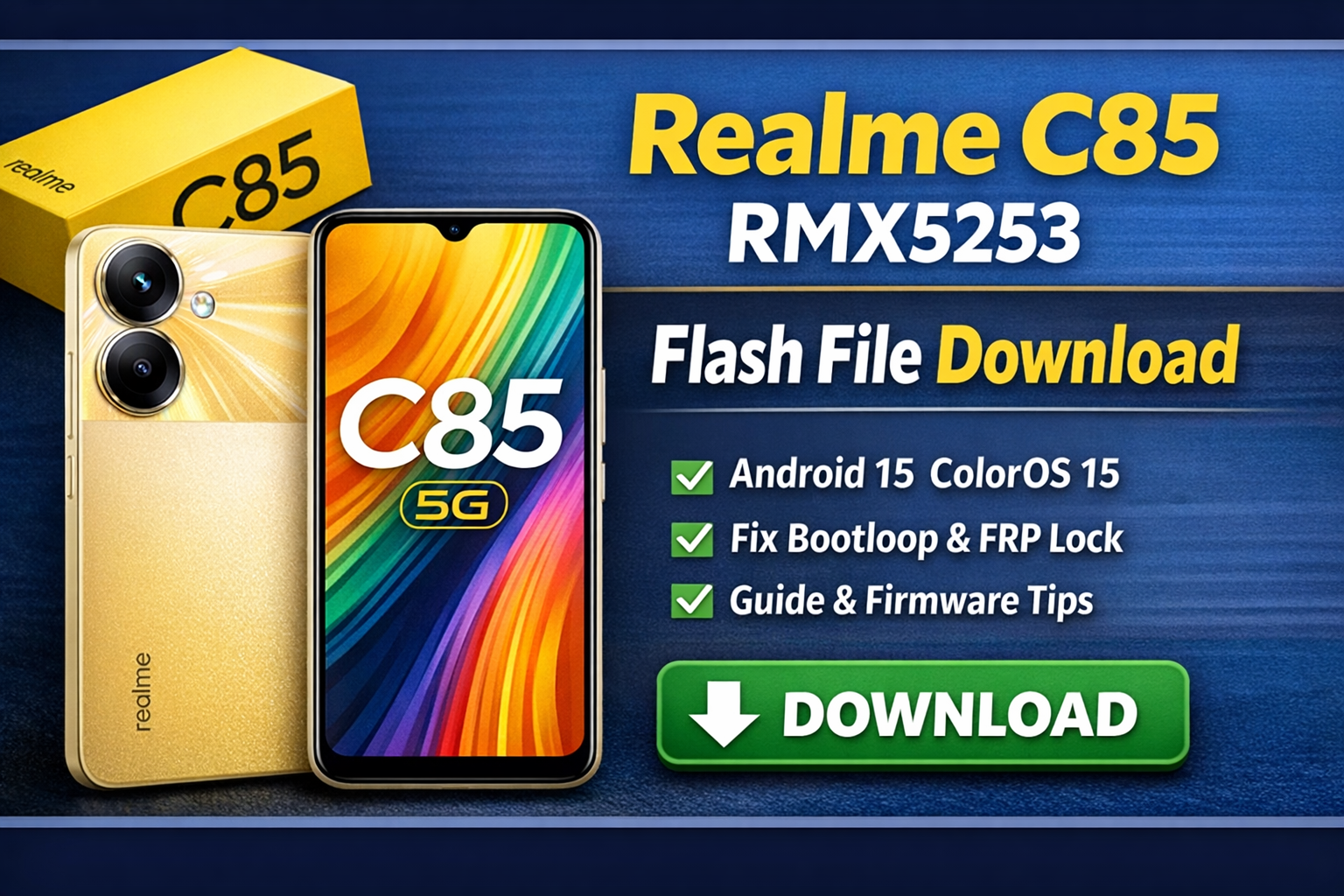
If your Realme C85 5G is facing software issues like bootloop, stuck on logo, lag, FRP problem, or update failure, flashing the official stock firmware is the safest and most effective solution. In this post, you’ll find complete firmware details, direct download info, fixed issues, device specifications, and step-by-step flashing guide for beginners and technicians.
📱 About Realme C85 5G
The Realme C85 5G is a budget-friendly 5G smartphone launched in India with Android 15 and ColorOS 15. It offers stable performance, long battery life, and optimized software for daily use.
| Manufacturer | realme |
| Market | India |
| RAM Variant | 6GB |
| Software Type | Official Stock ROM (Full Package) |
| Device Model | Realme C85 5G |
| Build Name | RMX5253export_11_15.0.2.505EX01 |
| Android Version | Android 15 |
| ColorOS Version | ColorOS 15.0.2 |
| Security Patch | October 2025 |
| Firmware Type | Full Flash Package |
| File Size | 8.2 GB |
| MD5 Checksum | 0747a07af4ff6ea4cc5a12d847beb938 |
| Release Region | India |
| Update Category | Stable |
🔧 Fixed Issues & Improvements
- Bootloop & stuck on Realme logo fixed
- System lag & frame drop improvement
- Battery drain optimization
- Network stability improved (5G / LTE)
- Camera performance enhanced
- App crash & freeze issues resolved
- System security improved (October 2025 Patch)
- OTA update & downgrade compatibility fixed
📥 Realme C85 5G (RMX5253) Firmware Download
Official flash file for fixing bootloop, software issues, lag, and system repair.
🔄 When Should You Flash This Firmware?
Install this firmware if your device is facing any of the following problems:
- ❌ Software update failed
- ❌ FRP lock after factory reset
- ❌ Touch screen not working
- ❌ Camera or network issues
- ❌ Device stuck in bootloop
- ❌ Dead phone after wrong flashing
- ❌ Upgrade or downgrade required
To flash Realme C85 5G (RMX5253), first completely power off the device. Then press and hold both Volume Up + Volume Down buttons together and connect the phone to the PC using a USB cable. This will boot the device into MTK Preloader Mode. Once connected, start the flashing process on your PC. Do not disconnect the USB cable or touch the device or computer until the flashing process is fully completed.
📌 Final Words
If you want a safe, stable, and official solution for software problems on your Realme C85 5G, this Android 15 ColorOS 15 firmware is the best choice. Always flash carefully and use official packages for long-term stability.