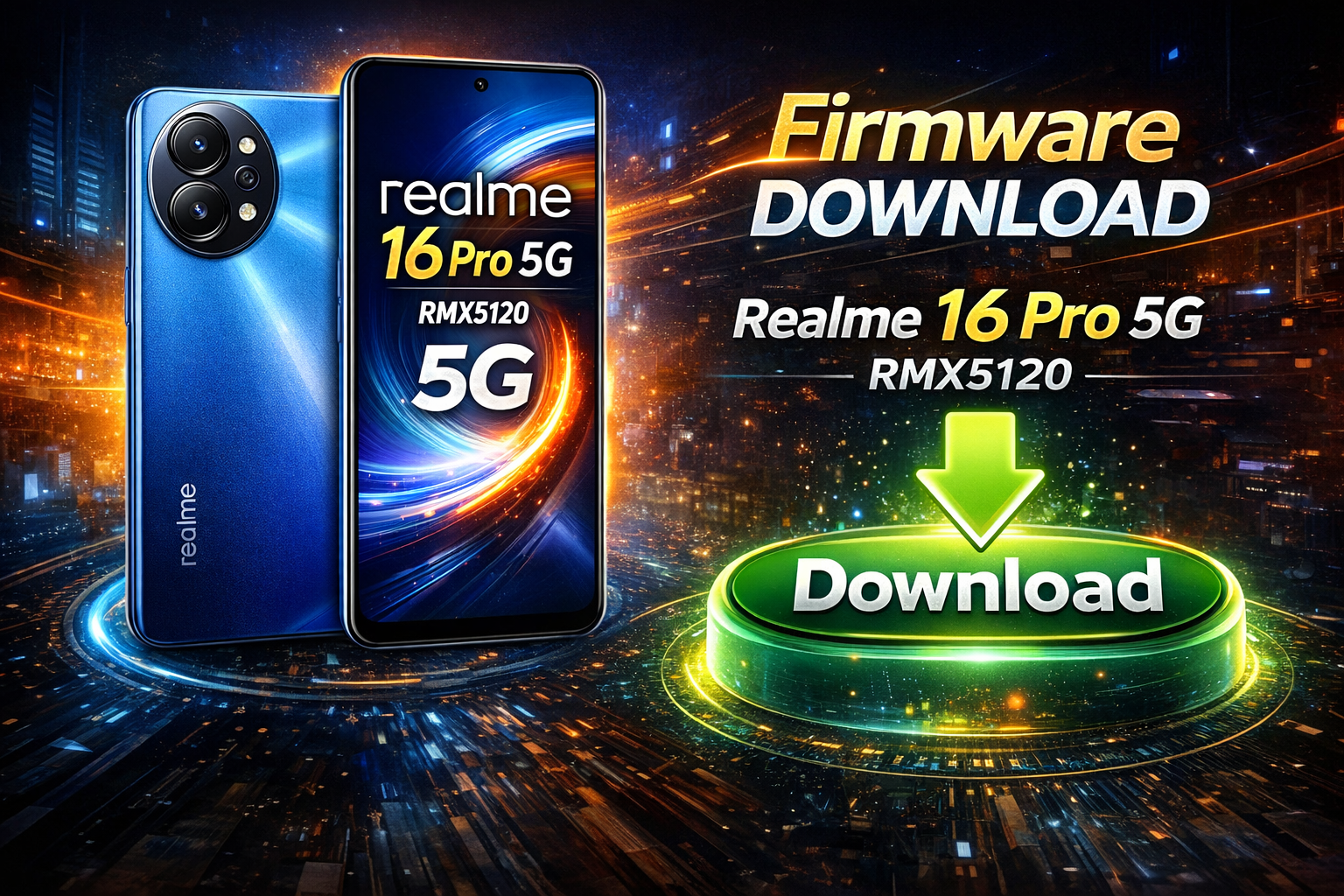
If your Realme 16 Pro 5G RMX5120 is stuck on the logo, facing software bugs, bootloop issues, or dead after an update, flashing the official stock firmware is the best solution. In this guide, you’ll find everything you need to know about Realme 16 Pro 5G flash file download, installation benefits, and flashing instructions.
What Is a Flash File (Stock ROM)?
A flash file, also known as stock ROM or firmware, is the official operating system provided by Realme for its devices. Flashing the original firmware restores your phone to factory condition and fixes most software-related problems.
📱 Realme 16 Pro 5G Firmware
| Model | Realme 16 Pro 5G (RMX5120) |
| File Name | RMX5120export_11_16.0.1.312EX01 |
| Region | India |
| PCB | 25693 |
⏳ Please wait…
Download will start in 5 seconds
Requirements Before Flashing
Before starting the flashing process, please ensure that all the following requirements are met. This preparation is necessary to complete the flashing procedure safely and successfully.
- Windows PC or Laptop – Required to run the flashing tools.
- USB Data Cable – Use a good-quality or original cable for a stable connection.
- Realme USB Drivers Installed – Allows proper device detection by the computer.
- Flashing Tool – Realme Flash Tool or SP Flash Tool, depending on your device.
- Battery Charge – Ensure at least 50% battery to avoid interruption.
- Backup Important Data – Flashing will erase all data from the device.
How to Flash Realme 16 Pro 5G RMX5120 (Step-by-Step)
- Download the Realme 16 Pro 5G flash file on your PC
- Extract the firmware ZIP file
- Install required USB drivers
- Open the supported Flash Tool
- Power off your phone
- Connect phone to PC using USB cable
- Load the firmware file in Flash Tool
- Click Start Flashing
- Wait until the process is complete
- Reboot your device
⏳ First boot may take 5–10 minutes.
If you are facing software issues on your Realme 16 Pro 5G RMX5120, downloading and installing the official flash file is the best and safest solution. This method restores performance, stability, and original features of your smartphone.